NEW AI 시대의 필수 도구Essential Tool for the AI Era

PC의 AI CLI 작업을
모바일에서 이어서
Continue Your AI CLI
On Mobile

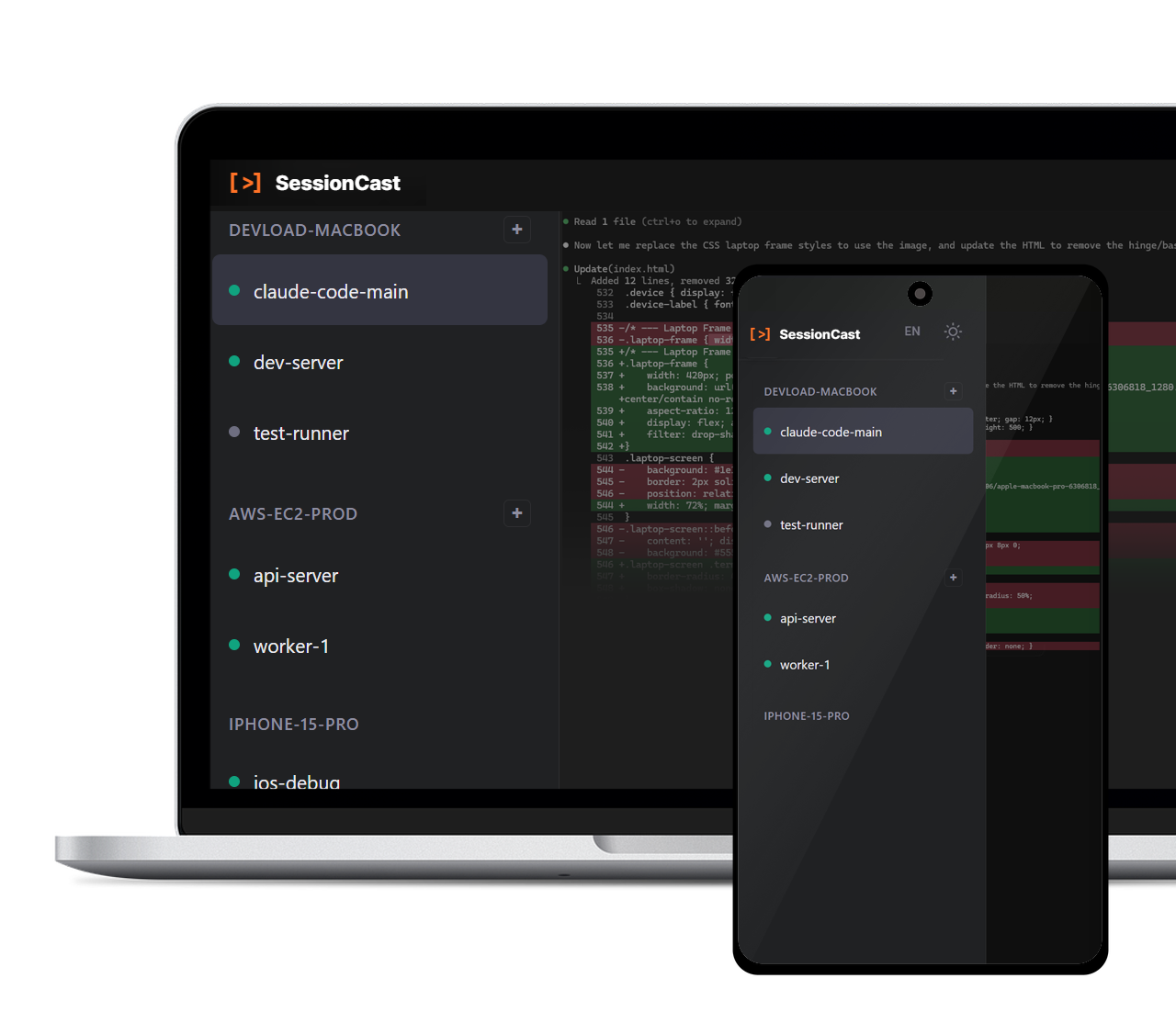
Claude Code, Gemini CLI, Codex CLI, Cursor, Ollama... AI 코딩 에이전트가 작업하는 동안 자리를 비워야 하나요? SessionCast로 스마트폰에서 실시간으로 확인하고 이어서 작업하세요. Claude Code, Gemini CLI, Codex CLI, Cursor, Ollama... Need to step away while your AI coding agent is working? Monitor in real-time and continue working from your smartphone with SessionCast.
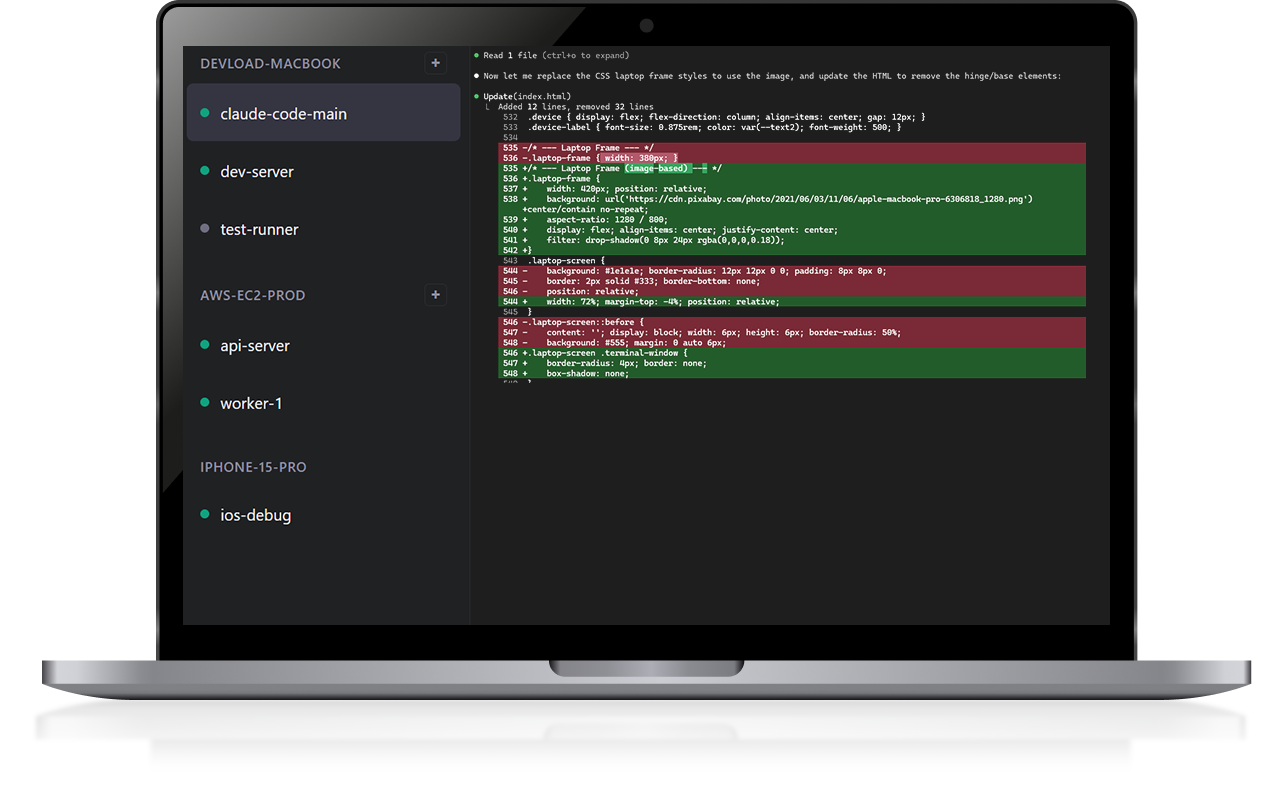
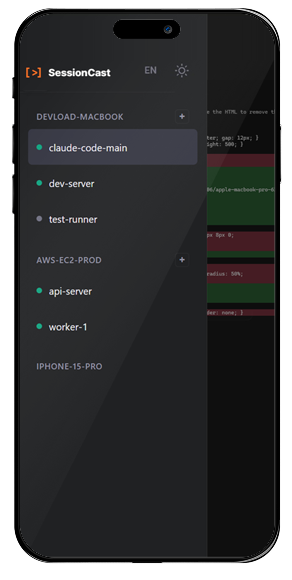
SessionCast on Laptop SessionCast on Mobile

이런 경험 있으시죠?Sound familiar?

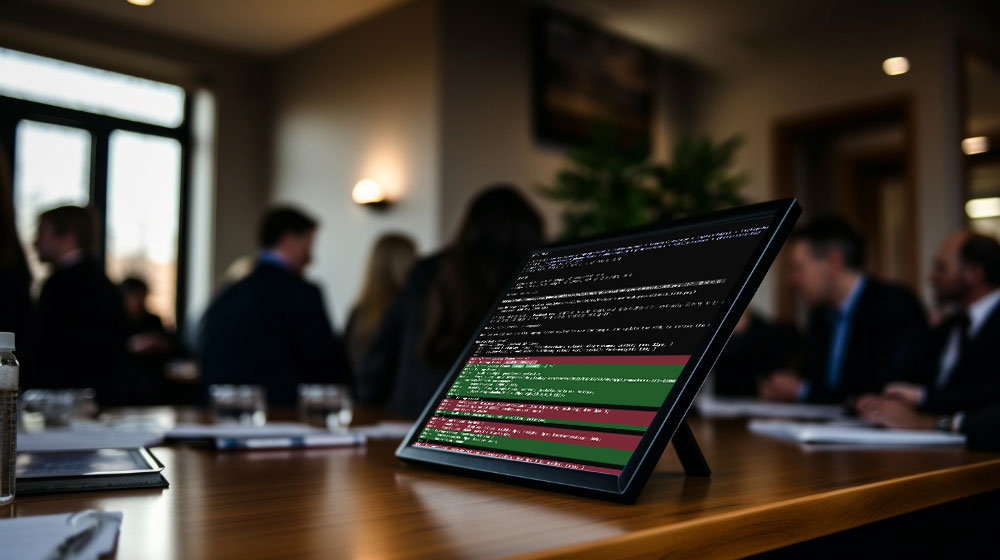
AI 코딩 에이전트가 작업 중인데 자리를 비워야 했던 순간들Those moments when your AI coding agent is working but you need to step away

Claude가 코드 생성 중인데 회의 들어가야 해...Claude is generating code but I have a meeting to attend...
회의 중에도 폰으로 AI 작업 진행 상황을 실시간 확인하세요Check AI progress in real-time on your phone during meetings
AI가 빌드 돌리는 중인데 퇴근해야 하는데...AI is running the build but I need to leave the office...
퇴근길에도 빌드 상태를 확인하고 필요하면 바로 명령을 입력하세요Check build status and enter commands on your way home
터미널 작업 끝났나? 확인하러 자리 가기 귀찮아...Is the terminal task done? Too lazy to go back to my desk...
소파에 누워서도 작업 완료 여부를 바로 확인하세요Check completion status from your couch
SessionCast가 해결합니다 solves this
자리를 비워도 스마트폰으로 실시간 확인, 필요하면 바로 명령 입력Monitor in real-time on your phone even when away, and enter commands when needed
AI 코딩 시대, 터미널은 더 이상
책상에 묶여있지 않습니다
In the AI coding era, your terminal
is no longer tied to your desk
Use Cases
가장 많이 사용Most Popular

AI CLI 모니터링AI CLI Monitoring

Claude Code, Gemini CLI, Codex CLI가 작업하는 동안 모바일에서 실시간으로 진행 상황 확인Watch Claude Code, Gemini CLI, Codex CLI in real-time from your mobile device

빌드 모니터링Build Monitoring

CI/CD 파이프라인, Docker 빌드, 대규모 컴파일 작업을 어디서든 체크Monitor CI/CD pipelines, Docker builds, and large compilations from anywhere

배포 상태 확인Deployment Status

서버 배포 중 이동해야 할 때, 폰으로 로그 확인하고 문제 발생 시 즉시 대응Check logs on your phone during deployments and respond immediately to issues

페어 프로그래밍Pair Programming

동료에게 내 터미널을 공유하여 원격으로 함께 디버깅하고 코드 리뷰Share your terminal with colleagues for remote debugging and code reviews

무료 체험 시작Start Your Free Trial

베타 서비스 오픈! Free 플랜으로 시작하세요Now in Beta! Get started with the free plan

>_ 무료 가입하기Sign Up Free

주요 기능Key Features

끊김 없는 터미널 경험을 위한 기술Technology for a seamless terminal experience

실시간 스트리밍Real-time Streaming

WebSocket 기반 50ms 이하 지연으로 AI CLI 출력을 실시간으로 확인WebSocket-based streaming with under 50ms latency for instant AI CLI output

모바일 최적화Mobile Optimized

스마트폰 브라우저에서도 완벽하게 동작하는 반응형 터미널 UIResponsive terminal UI that works perfectly on smartphone browsers

보안 접근Secure Access

Google OAuth2 인증으로 본인의 세션만 안전하게 접근Google OAuth2 authentication ensures only you can access your sessions

양방향 입력Bidirectional Input

모바일에서도 키보드 입력 가능, AI에게 추가 지시를 내리세요Full keyboard input from mobile — give additional instructions to your AI

멀티 세션Multi-session

여러 터미널 세션을 동시에 관리하고 손쉽게 전환Manage multiple terminal sessions simultaneously with easy switching

데이터 압축Data Compression

GZip 압축으로 모바일 데이터 사용량 최소화GZip compression minimizes mobile data usage

사용 방법How It Works

3단계로 시작하세요Get started in 3 steps

SessionCast Demo - Laptop and Mobile
STEP 01

회원가입Sign Up

Google 계정으로 몇 초 만에 가입하세요. 별도의 설정이 필요 없습니다.Sign up in seconds with your Google account. No extra setup needed.

account.sessioncast.io
STEP 02

Agent 토큰 생성Create Agent Token

대시보드에서 PC 연결용 Agent 토큰을 발급받으세요.Generate an Agent token for your PC from the dashboard.

account.sessioncast.io
STEP 03

설치 & 연결Install & Connect

Agent를 설치하고 실행하면 어디서든 모바일로 접속할 수 있습니다.Install and run the Agent, then access from anywhere on mobile.

app.sessioncast.io

PC의 AI CLI 작업을
모바일에서 이어서
Continue Your AI CLI
On Mobile

지금 바로 시작하세요. 30초면 충분합니다. Get started now. It only takes 30 seconds.

SessionCast Demo
"30초" 빠른 설치"30s" Quick Install
eval "$(curl -fsSL https://raw.githubusercontent.com/sessioncast/sessioncast-cli-release/main/install.sh)"
irm https://raw.githubusercontent.com/sessioncast/sessioncast-cli-release/main/install.ps1 | iex