SessionCast Provider for OpenCode — Use Any LLM from Your Terminal
Already using OpenCode as your terminal AI coding assistant? Add the SessionCast provider and route every AI request through your own local CLI agent — pick any LLM backend you want, no vendor lock-in, no credential issues.
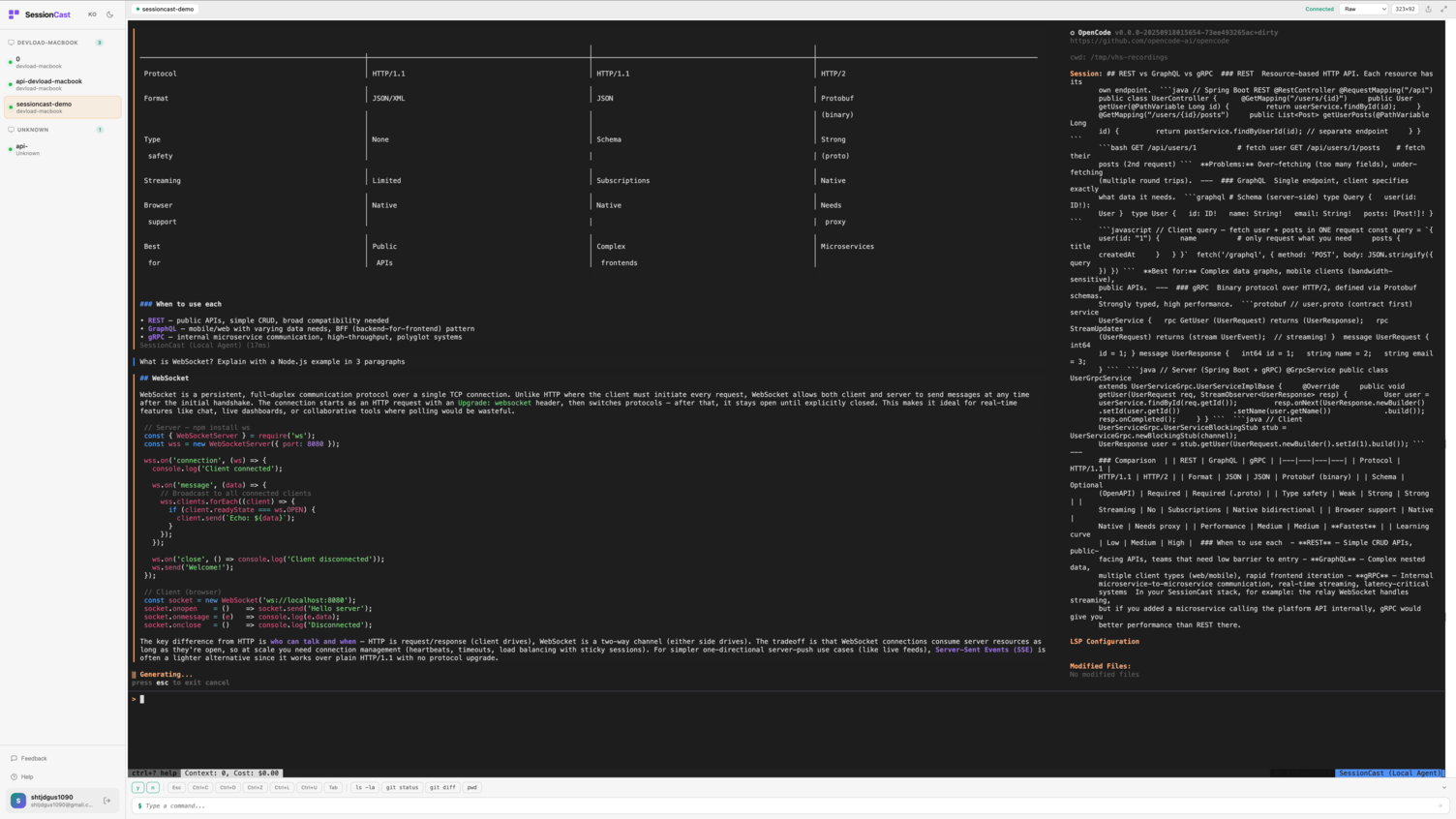
OpenCode & Oh My OpenCode
Two separate tools, two providers. Pick the one that fits your workflow — you don't need both.
OpenCode is a Go-based terminal AI assistant for developers. It provides a rich TUI (Terminal User Interface) for interacting with various AI models — think of it as an open-source alternative to Cursor or Claude Code, running entirely in your terminal. It supports multiple LLM providers including OpenAI, Anthropic, Gemini, and now SessionCast.
Oh My OpenCode is a TypeScript layer on top of OpenCode that adds specialized AI agents for different tasks — Sisyphus for persistent problem-solving, Oracle for code review and analysis, Prometheus for creative generation, and more. Each agent has its own prompt strategy and personality, making it ideal for workflows that need more than a single general-purpose assistant.
How It Works
OpenCode
  → SessionCast Provider
    → SessionCast Relay
      → CLI Agent (your machine)
        → Claude Code / Ollama / OpenAI / Gemini ...
Option A — OpenCode (Go)
The Go version includes a built-in SessionCast provider. If ~/.sessioncast.yml exists, it auto-detects and registers sessioncast/default as an available model.
Install OpenCode
go install github.com/anomalyco/opencode@latestInstall & Start SessionCast Agent
# Install the CLI
npm i -g sessioncast-cli

# Login (creates ~/.sessioncast.yml)
sessioncast login

# Start the CLI agent
sessioncast agent
Environment Variables (Optional)
You can override the config file with environment variables:
export SESSIONCAST_RELAY_URL="wss://relay.sessioncast.io/ws"
export SESSIONCAST_TOKEN="agt_YOUR_TOKEN"
export SESSIONCAST_MACHINE_ID="my-machine"    # optional
export SESSIONCAST_MODEL="claude-code"         # optional, default: claude-code
If ~/.sessioncast.yml exists, these are not needed — OpenCode auto-detects everything.
OpenCode Model Config (Optional)
You can also set SessionCast as the model for specific agents in ~/.opencode.json:
{
  "agents": {
    "coder": { "model": "sessioncast/default" },
    "task": { "model": "sessioncast/default" }
  }
}
Run
opencodeOption B — Oh My OpenCode (TypeScript)
Our fork includes the SessionCast provider so every agent routes through your local CLI agent.
Install Oh My OpenCode for SessionCast
git clone -b feat/sessioncast-provider \
  https://github.com/sessioncast/oh-my-opencode-for-sessioncast.git
cd oh-my-opencode-for-sessioncast
npm install && npm run build
npm link   # makes 'oh-my-opencode' available globally
Install & Start SessionCast Agent
npm i -g sessioncast-cli
sessioncast login
sessioncast agent
Configure Agents
Create ~/.config/opencode/oh-my-opencode.json:
{
  "agents": {
    "sisyphus": { "model": "sessioncast/claude-code" },
    "oracle": { "model": "sessioncast/claude-code" },
    "prometheus": { "model": "sessioncast/claude-code" }
  }
}
Run
oh-my-opencode run 'Explain what Kubernetes is in 2 sentences.'Test Results
We ran 3 integration tests through Oh My OpenCode with the SessionCast provider:
- Test 1 — Docker: "What is Docker? Answer in 2 sentences." — 8.7s
- Test 2 — Kubernetes: "Explain what Kubernetes is in 2 sentences." — 8.6s
- Test 3 — Container Runtime: "What is a container runtime? One sentence only." — 9.9s
Request flow for each test:
Oh My OpenCode → OpenCode → SessionCast Relay → CLI Agent → Claude Code CLI → Claude APIBYOAI — Bring Your Own AI
Configure your preferred LLM backend in ~/.sessioncast.yml:
api:
  llm:
    provider: claude-code   # or ollama, openai, anthropic, gemini
    model: sonnet
Switch models without changing your OpenCode setup. The provider stays sessioncast/claude-code — only the backend changes.
About OAuth Restrictions & SessionCast
Anthropic recently updated its compliance policy to ban the use of Claude Pro/Max OAuth tokens in third-party tools. Some tools — including earlier versions of OpenCode — had been spoofing the Claude Code client identity to authenticate via consumer OAuth, effectively routing requests through Pro/Max subscriptions without authorization. Anthropic now explicitly prohibits this:
"Using OAuth tokens obtained through Claude Free, Pro, or Max accounts in any other product, tool, or service is not permitted."
SessionCast is not affected by this restriction. Here's why:
- No OAuth token usage. SessionCast never touches Claude's OAuth tokens. It doesn't spoof any client identity or intercept subscription credentials.
- Your own API keys. When using Claude as a backend, the SessionCast CLI agent calls the Anthropic API with your own API key — the same way any standard API integration works.
- Runs on your machine. The CLI agent runs locally. Your code stays on your machine and goes directly to the LLM provider you configured. SessionCast's relay only passes messages between the OpenCode client and your local agent.
- Provider-agnostic. You can use Ollama for fully local inference with zero external data transmission, or switch to OpenAI, Gemini, or any other provider. No single vendor dependency.
In short: SessionCast is a transparent relay to your own infrastructure, not a wrapper around someone else's subscription.