In-App Feedback — Tell Us What You Think
We just shipped a built-in feedback feature so you can report bugs, request features, or ask questions without ever leaving SessionCast.
Where to Find It
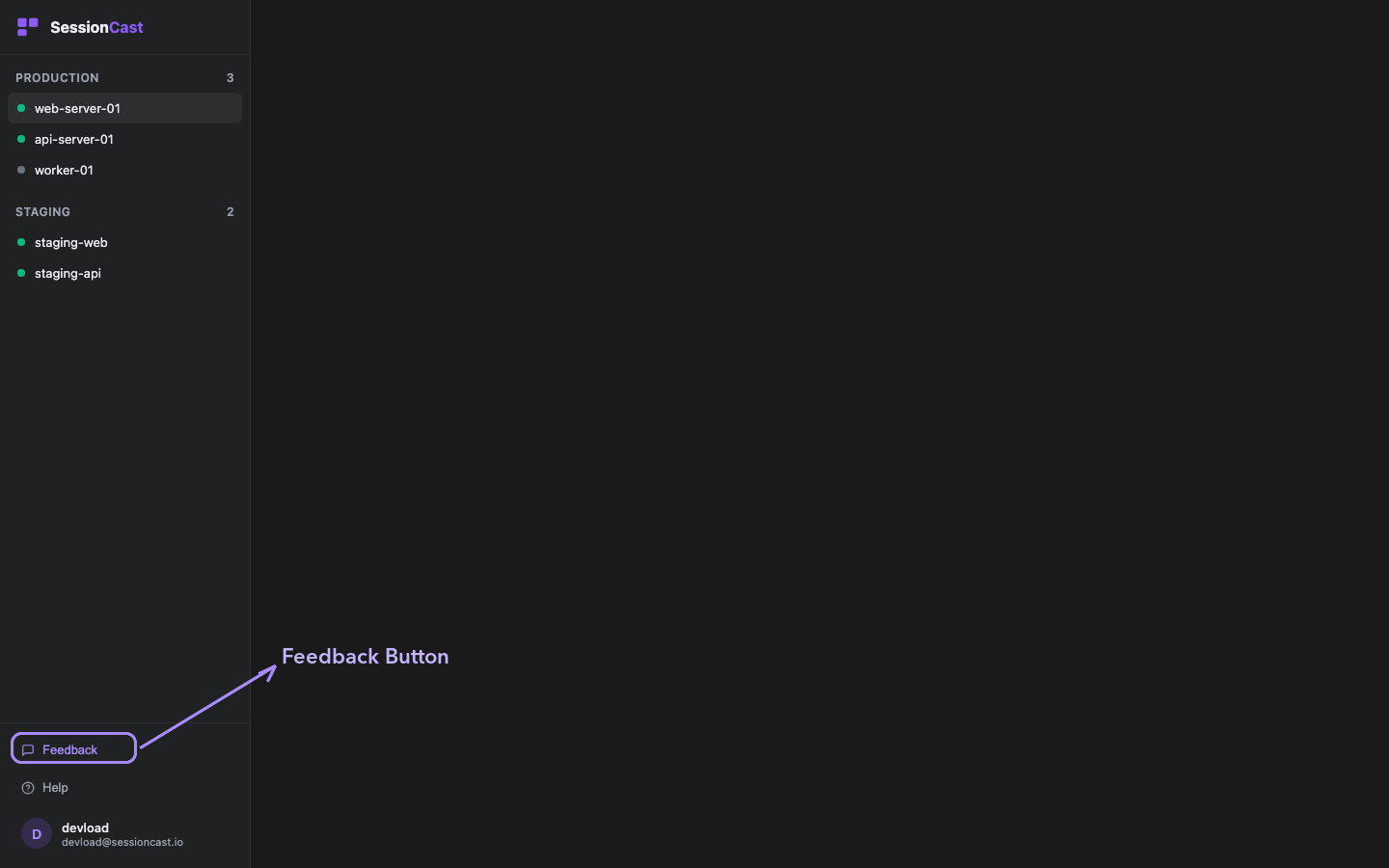
Look for the Feedback button in the bottom-left sidebar, right above Help.
How It Works
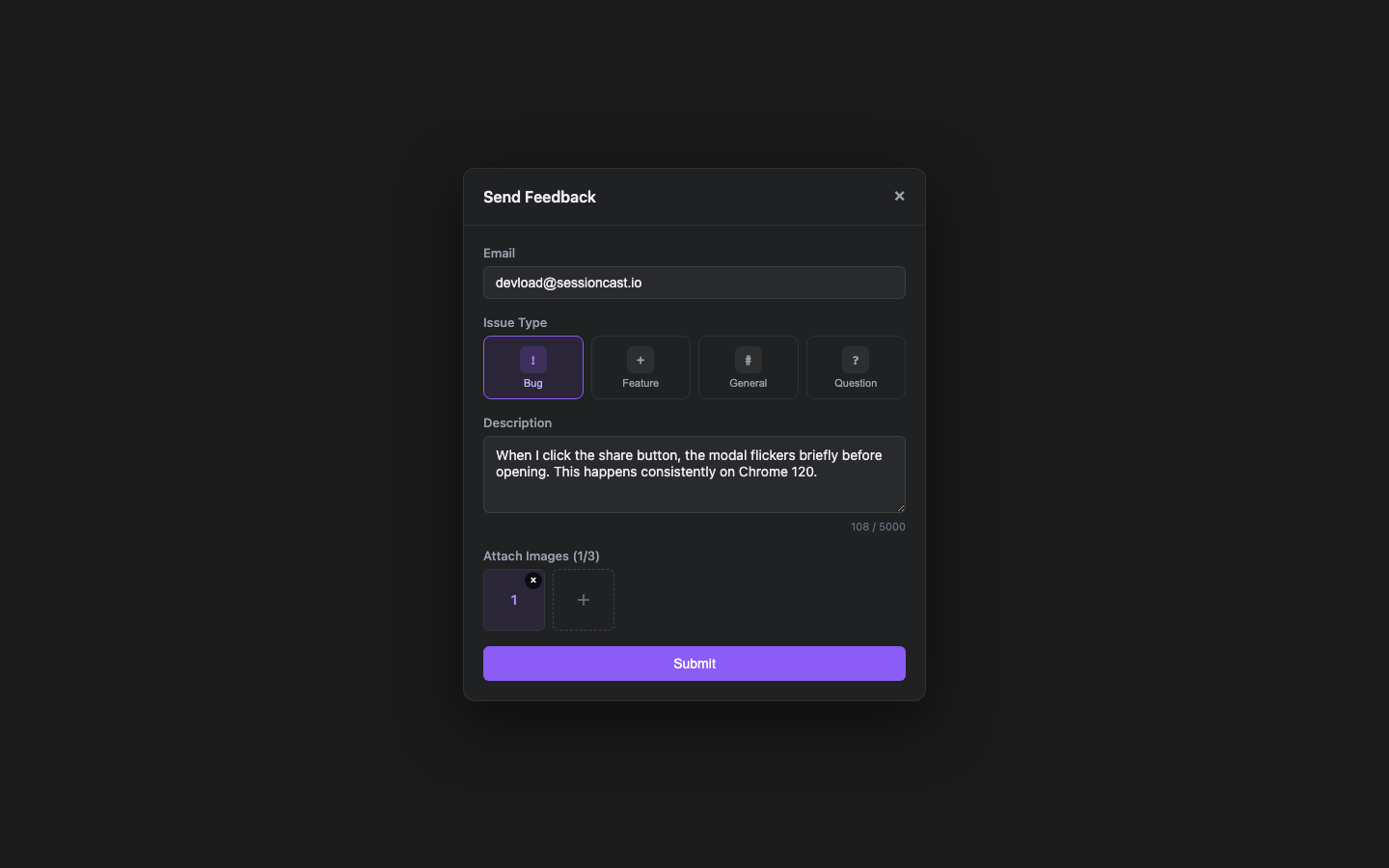
Click the button to open the feedback form. Pick an issue type, describe the problem, and optionally attach up to 3 screenshots.
What you can submit:
- Bug — Something broken or not working as expected
- Feature — A new capability you'd like to see
- General — General comments or impressions
- Question — Need help with something specific
Instant Confirmation
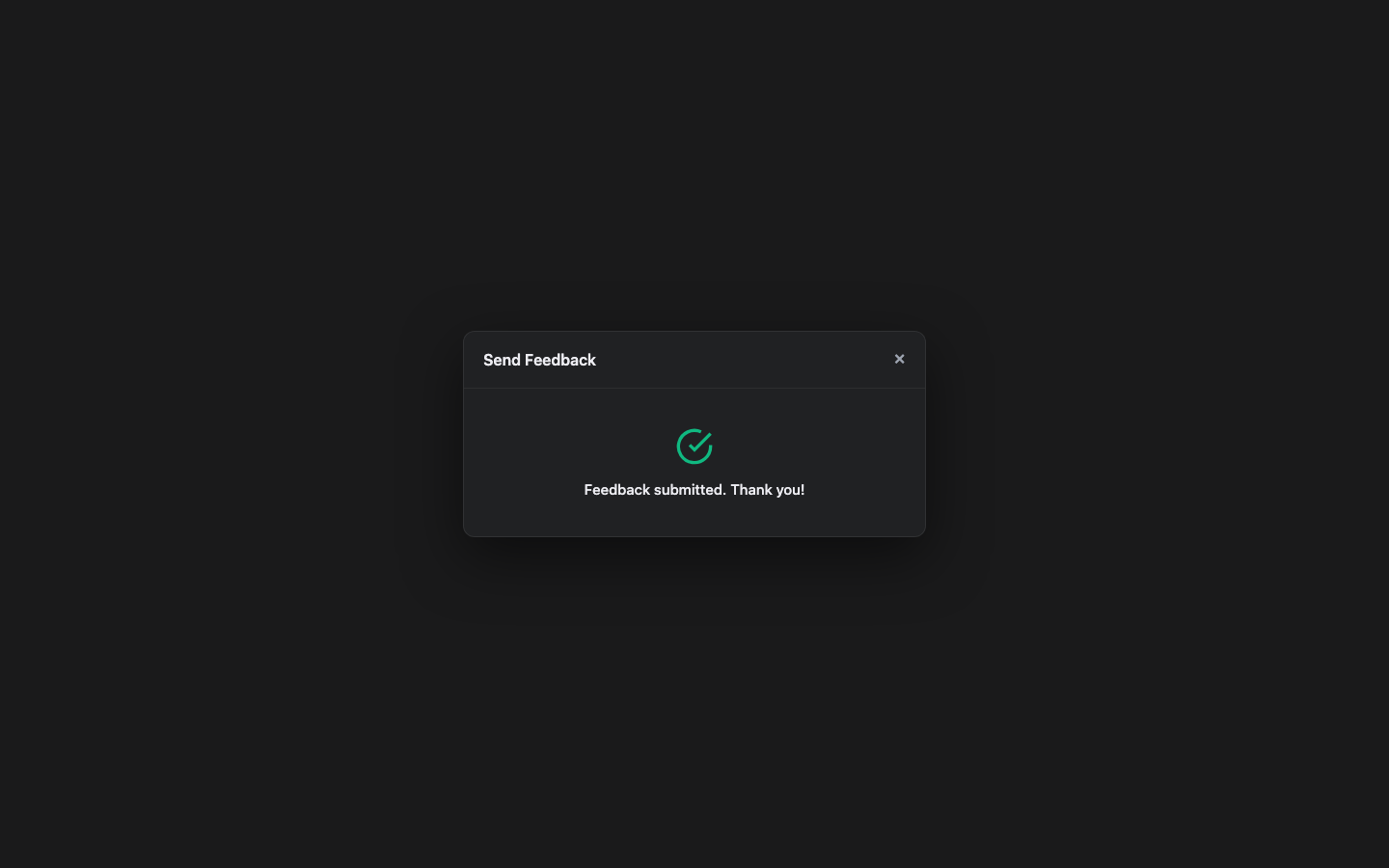
Once submitted, you'll see a confirmation right away. Your feedback is sent directly to our team via email, and we can reply to you directly.
No Login Required
The feedback form works whether you're logged in or not. If you're logged in, your email is pre-filled automatically.
We read every piece of feedback. If you run into anything or have ideas to share, hit that Feedback button — we'd love to hear from you.