📱 Essential Tool for the AI Era

Continue Your AI CLI
On Mobile

Claude Code, Cursor, GitHub Copilot CLI... Need to step away while your AI coding assistant is working?
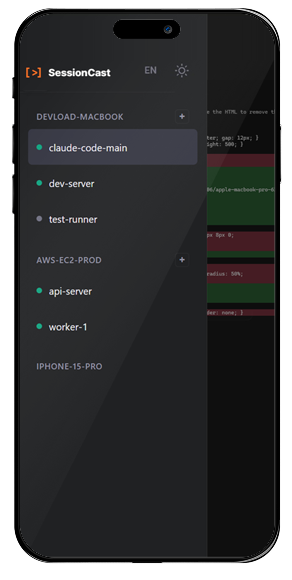
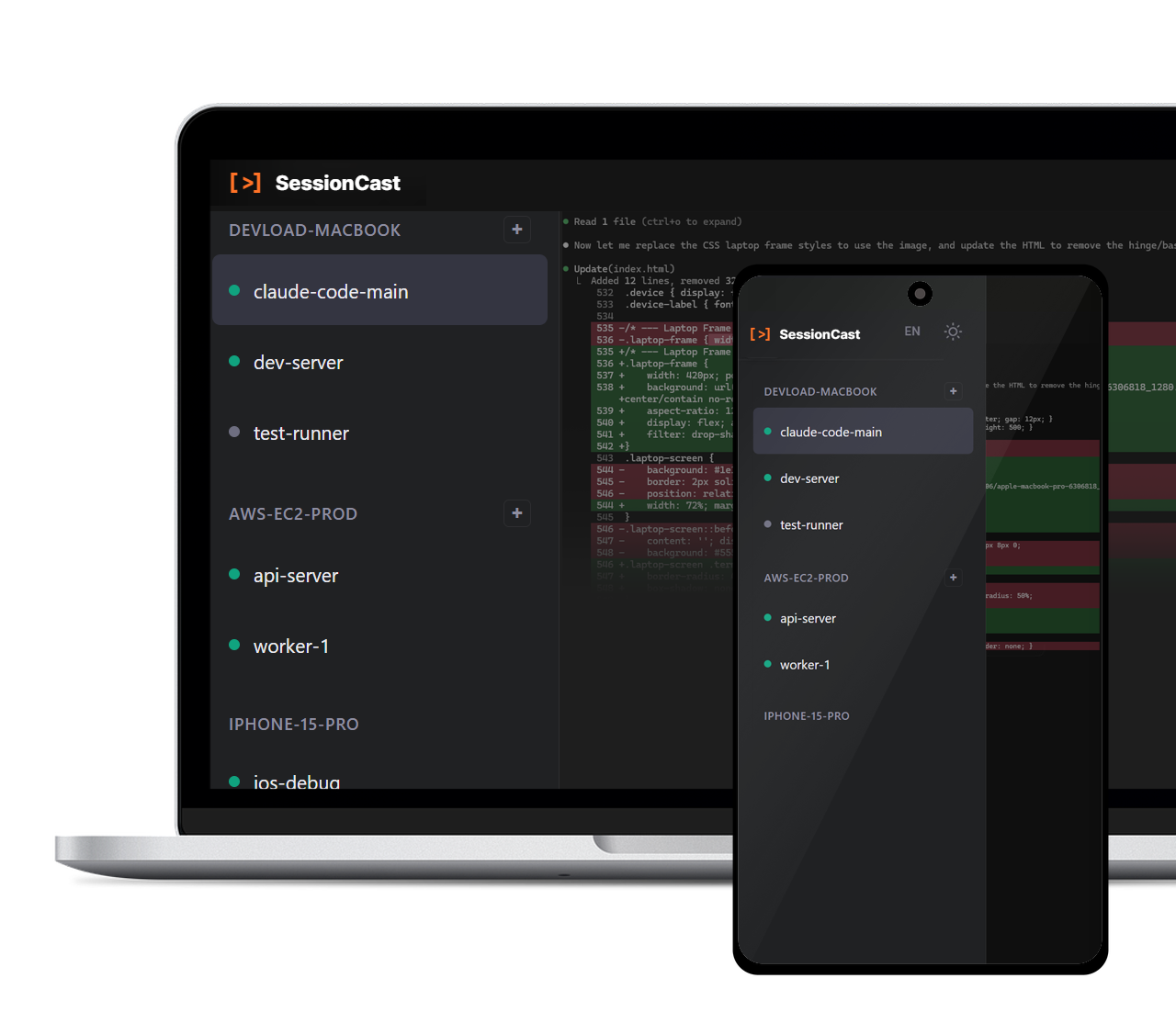
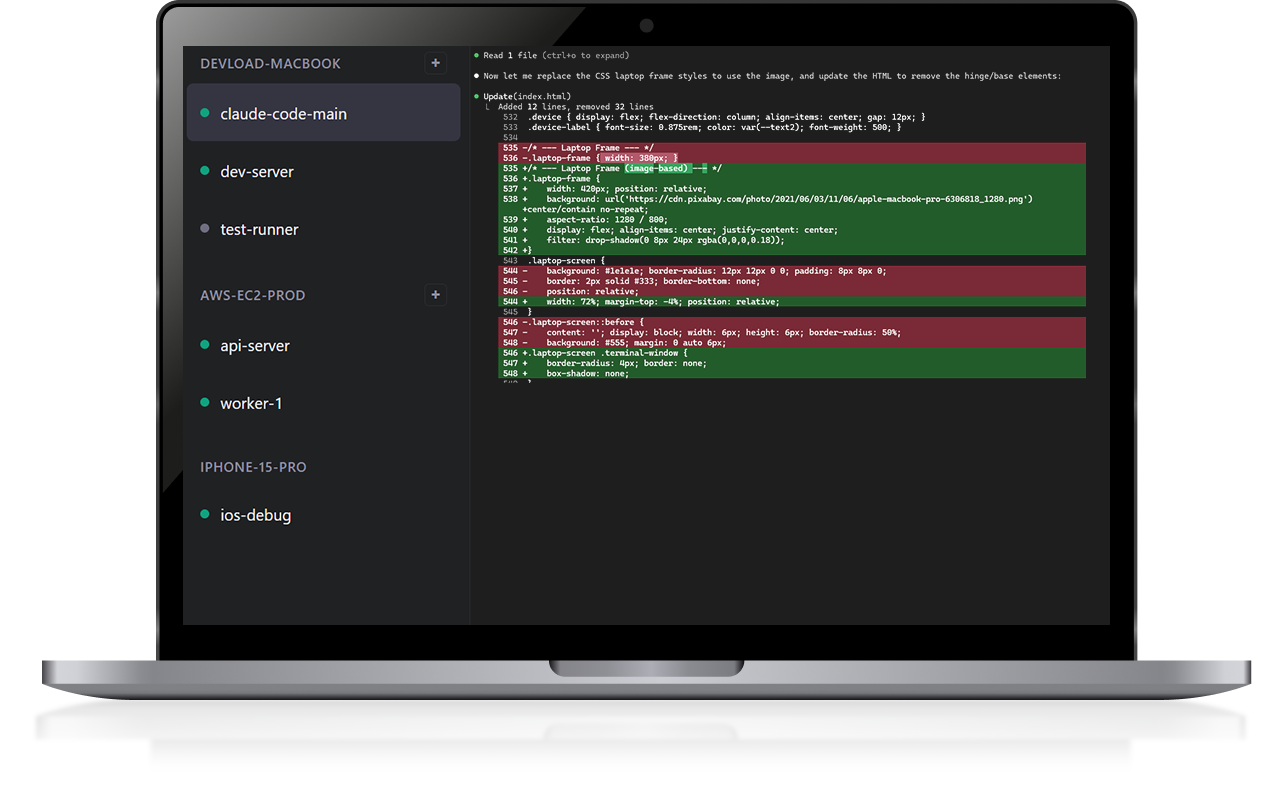
Monitor in real-time and continue working from your smartphone with SessionCast.
50ms latency
🔒 OAuth secured
📦 Open source
claude-code — workspace
$ claude
Claude> Analyzing project structure...

 src/components/ analysis complete
 API endpoints mapped
 Generating refactoring plan...

I'll modify AuthService.ts:
- Add JWT token refresh logic
- Improve error handling

_
🖥️ Office PC
Real-time Streaming
9:41 SessionCast
I'll modify AuthService.ts:
- Add JWT token refresh logic
- Improve error handling

$ _
Tap to enter command
📱 On the go

Sound familiar?

😰

"Claude is generating code but
I have a meeting to attend..."

🏃

"AI is running the build but
I need to leave the office..."

"Is the terminal task done?
Too lazy to go back to my desk..."

SessionCast solves this

Even away from your desk, monitor in real-time on your phone and enter commands when needed

Use Cases

In the AI coding era, your terminal is no longer tied to your desk

Long Build Monitoring

Monitor CI/CD pipelines, Docker builds, and large compilations from anywhere

Deployment Status

Check logs on your phone during deployments and respond immediately to issues

Pair Programming

Share your terminal with colleagues for remote debugging and code reviews

Features

Technology for a seamless terminal experience

Real-time Streaming

WebSocket-based streaming with under 50ms latency for instant AI CLI output

Mobile Optimized

Responsive terminal UI that works perfectly on smartphone browsers

Secure Access

Google OAuth2 authentication ensures only you can access your sessions

Bidirectional Input

Full keyboard input from mobile - give additional instructions to your AI

Multi-session

Manage multiple terminal sessions simultaneously with easy switching

Data Compression

GZip compression minimizes mobile data usage

How It Works

Get started in 3 steps

1

Sign Up

Create your account in seconds

account.sessioncast.io
2

Create Agent Token

Generate a token for your PC

Account → API Tokens
3

Install & Connect

Run agent and access from anywhere

app.sessioncast.io

Start Your Free Trial

Now in Beta! Get started with the free plan

Sign Up Free

Architecture

Simple yet scalable 3-tier architecture

Agent

Captures and streams tmux sessions

Java / Spring Boot
WebSocket

Relay Server

Session relay and authentication

Spring Boot / WebSocket
WebSocket

Web / Mobile

Browser-based terminal UI

React / xterm.js